
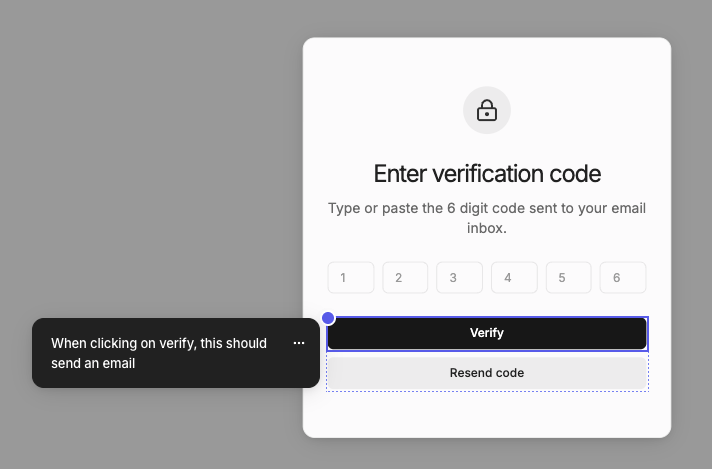
Example of an annotation on an element
Annotations describe how your designs should behave. Prototype mode uses these implementation notes when generating the prototype.

Adding annotations

  1. Click Annotate in navbar
  2. Click on an element in canvas
  3. Type the annotation
  4. Press Cmd + Enter to save
You should see blue dots on elements for each annotation.

Exporting to code

Annotations are also useful for documenting your design for handoff. Any annotation will be exported as comments in code:

Annotation persisted as code comment
Last modified on October 7, 2026