
The features in this guide are only available in the Subframe desktop app. Download the desktop app for macOS or Windows ↗.
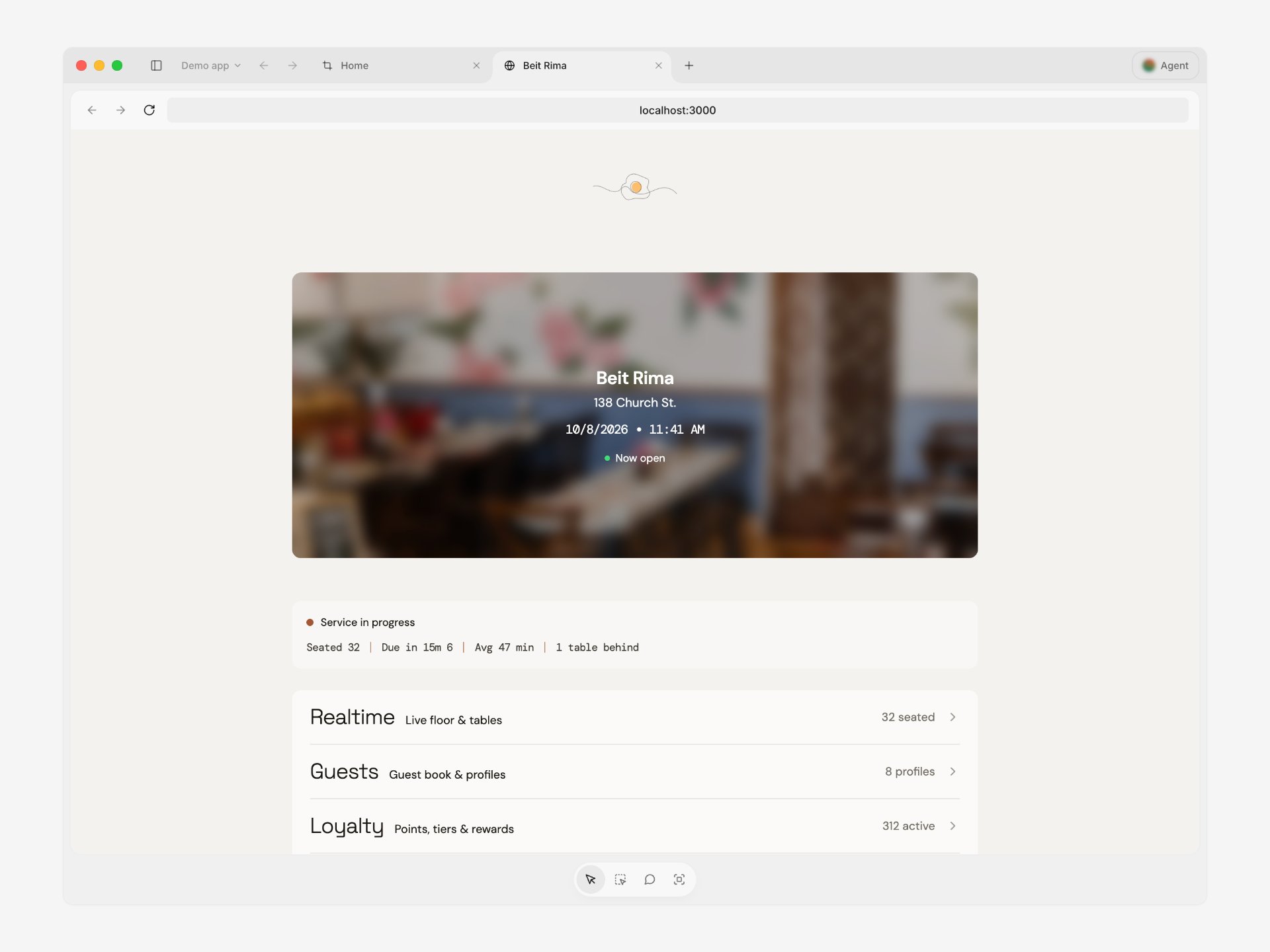
The desktop app includes a browser for working with your running app next to your designs and Agent chat.
A browser tab in the desktop app showing a local app at localhost:3000, with the Preview, Inspect, Annotate, and Capture tools at the bottom
Each browser tab has three modes:
  • Preview: interact with the page like in any browser
  • Inspect: select elements and edit them visually
  • Annotate: add implementation notes or images for your agent
Capture the full page to copy it to the canvas as an editable design.
Last modified on October 22, 2026