

The features in this guide are only available in the Subframe desktop app. Download the desktop app for macOS or
Windows ↗.
1
Connect your codebase
Open a new browser tab, click Connect codebase, then select your local repository.You can also connect your codebase from Agent chat.
2
Start your dev server
Click Start server. Your agent starts the dev server and opens your app.
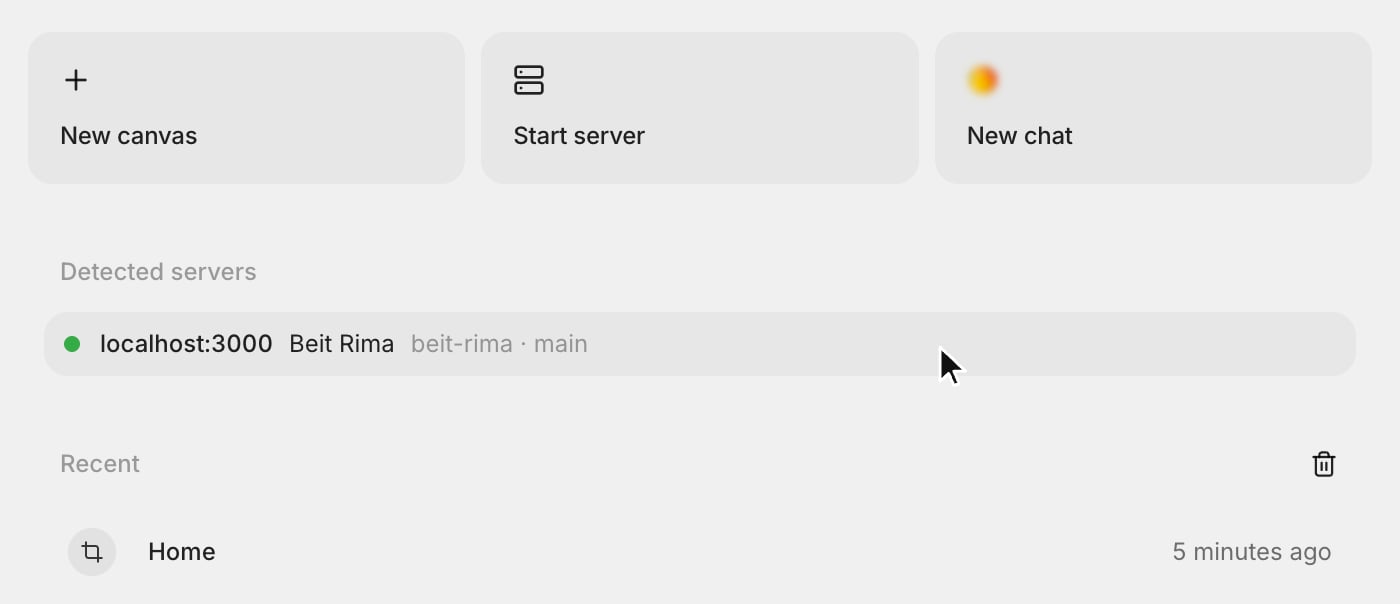
Opening any URL
Enter a URL such aslocalhost:3000 in the address bar, then press Enter.