

Get started in Subframe, from design to code and back.
1
Download the desktop app
Download Subframe for macOS or Windows ↗ and sign in.
2
Connect your agent
Connect Claude Code or Codex using your existing subscription.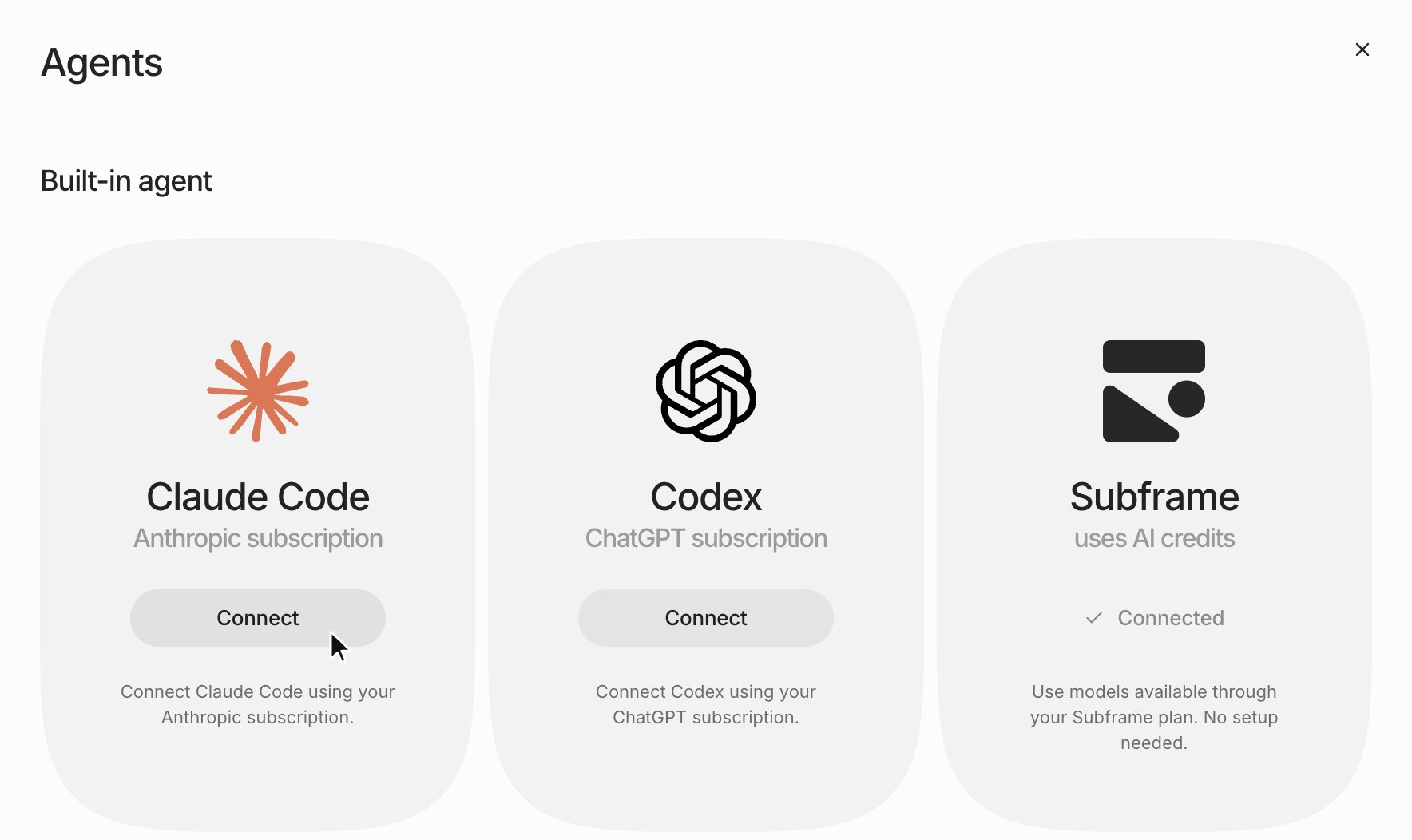
3
Connect your codebase
Select your local repository. Your code stays on your machine.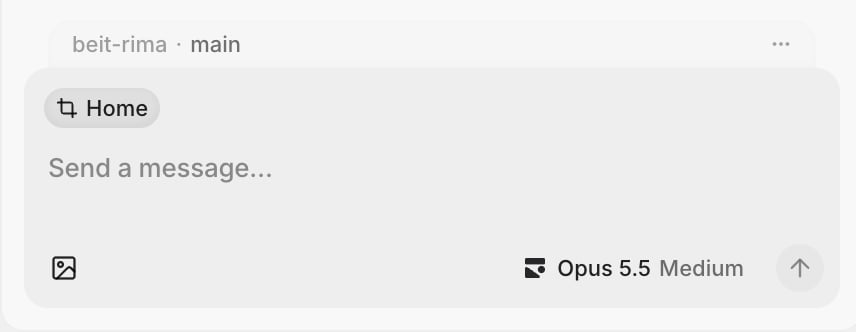
4
Open your app
Start your development server and open your app from a new tab.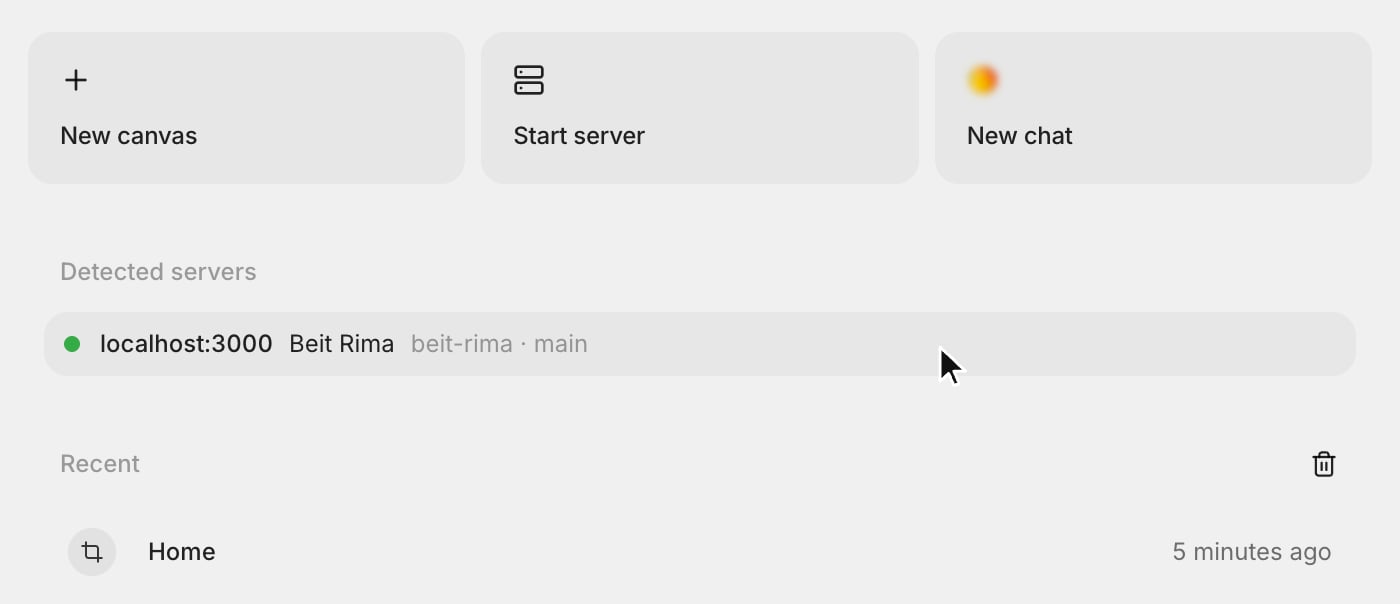
5
Make design changes
Use Inspect to edit an element on the live page, or capture the page to explore bigger changes on the canvas.
6
Ship with the agent
Ask the agent to implement your design in your codebase. Agent chat automatically includes the design or browser page you’re viewing.