Subframe supports three interaction states:
- Hover — Mouse over (
:hover)
- Active — Mouse press (
:active)
- Focused — Keyboard focus (
:focus-visible)
Creating a state
- Hover over the variant you want to add a state to
- Click +Hover, +Active, or +Focused
Modifying states
- Select the state you want to modify
- Select an element
- Modify any property in the Inspector
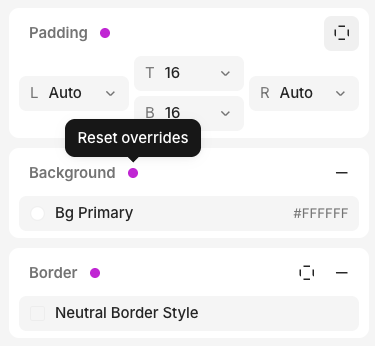
- An override indicator (pink dot) appears next to the property
To remove a state override, click the pink dot to reset to the default value.
Hover states in code
If your element has a hover state, we add cursor-pointer in the generated code:
Last modified on October 8, 2026