

Pages are used to design screens of your product using your design system.Documentation Index
Fetch the complete documentation index at: https://docs.subframe.com/llms.txt
Use this file to discover all available pages before exploring further.
Creating a page
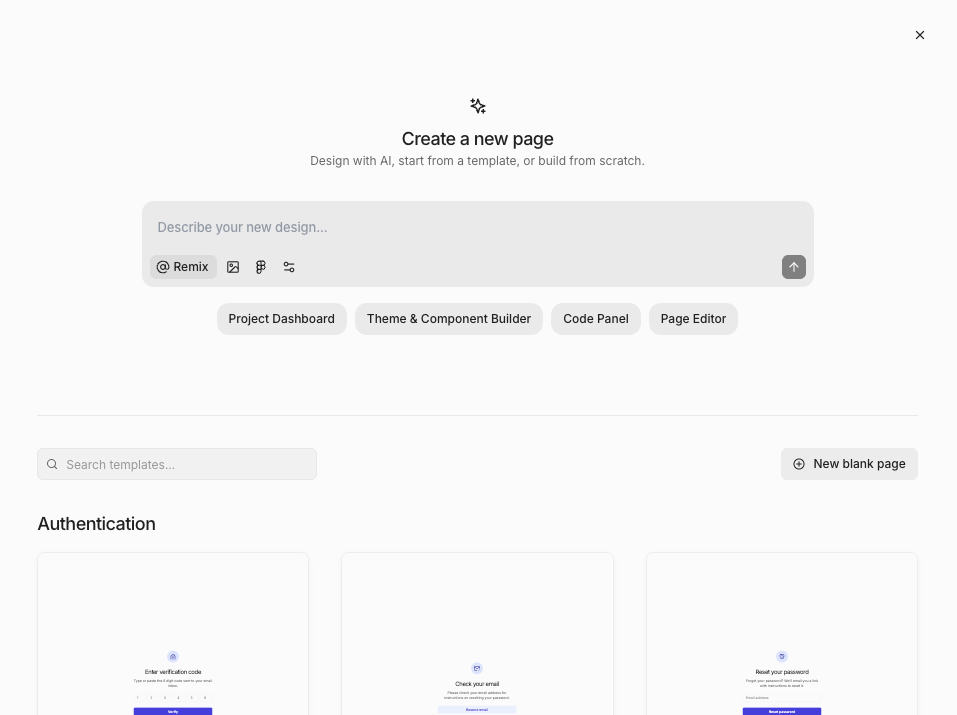
- Navigate to Pages in navbar
- Click New page button
- Choose one of:
- New blank page - start from scratch
- Ask AI - generate a page design with AI
- Select a template - choose from a pre-built template
Duplicating a page
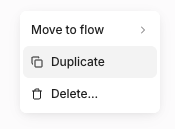
- Right-click a page or click
- Select Duplicate
FAQ
How do I design page states?
How do I design page states?
For page states like loading, empty, and error states, we recommend creating a separate page for each state. You can easily duplicate the page for this. Organize the screens together with a flow and use annotations to describe how the screens are connected during handoff.