Skip to main contentProjects
Projects contains the theme, components, and pages used design and build your product. Each team can have multiple projects.Components
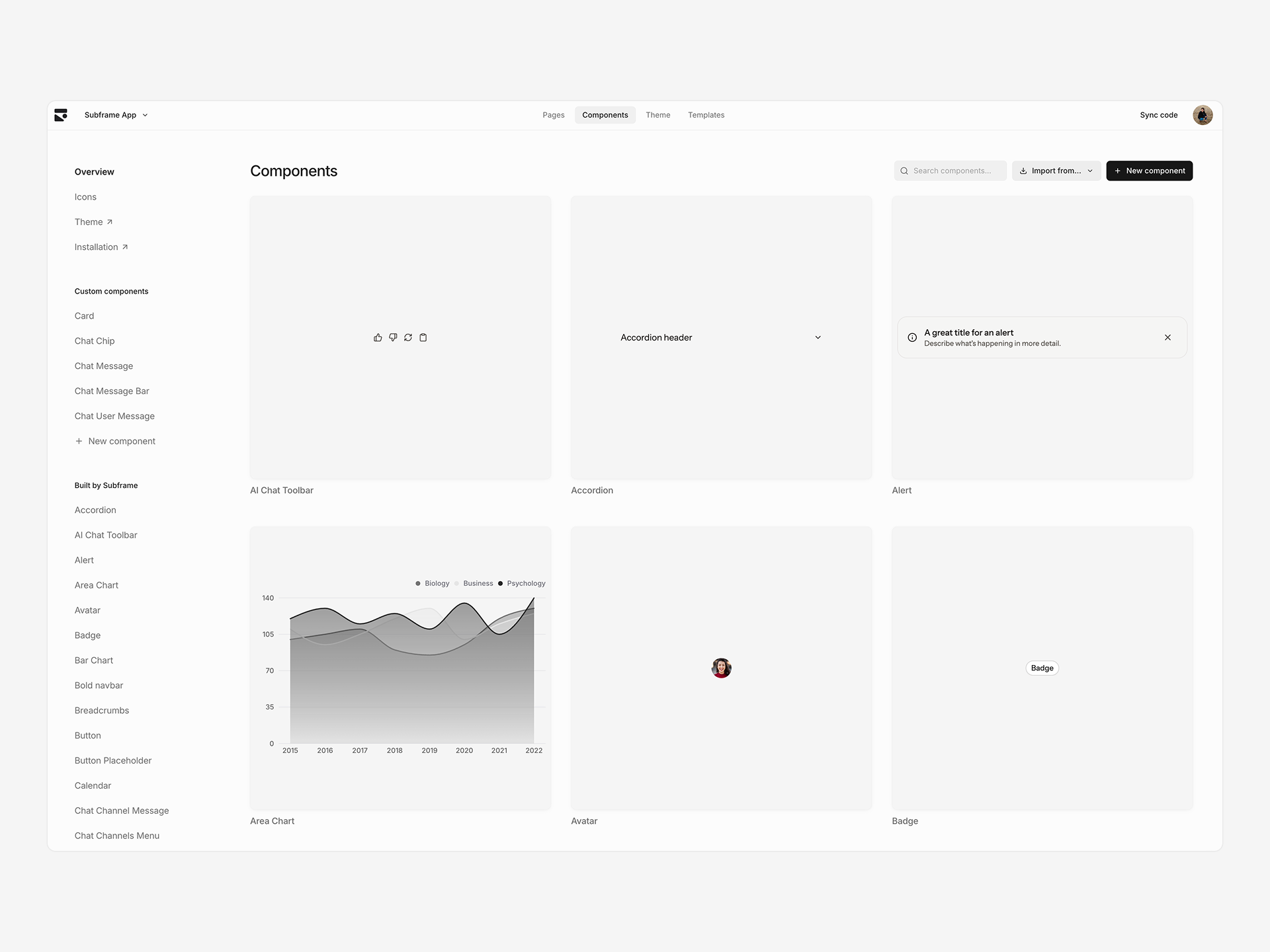
Reusable React UI components synced with your codebase. Create custom components or customize the pre-built library to build your design system.Pages
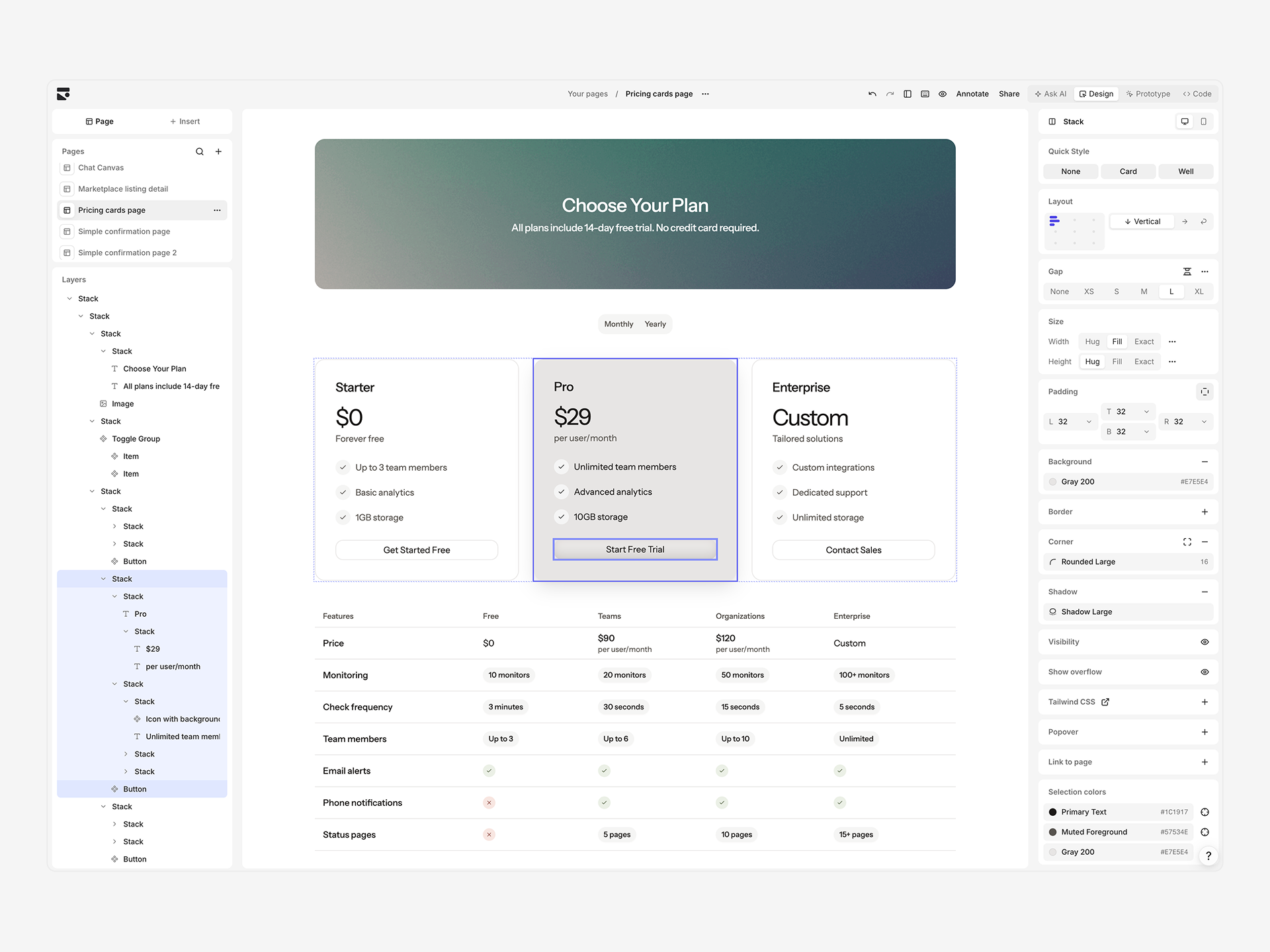
Design individual pages in the drag-and-drop visual editor using real components and code export.Theme
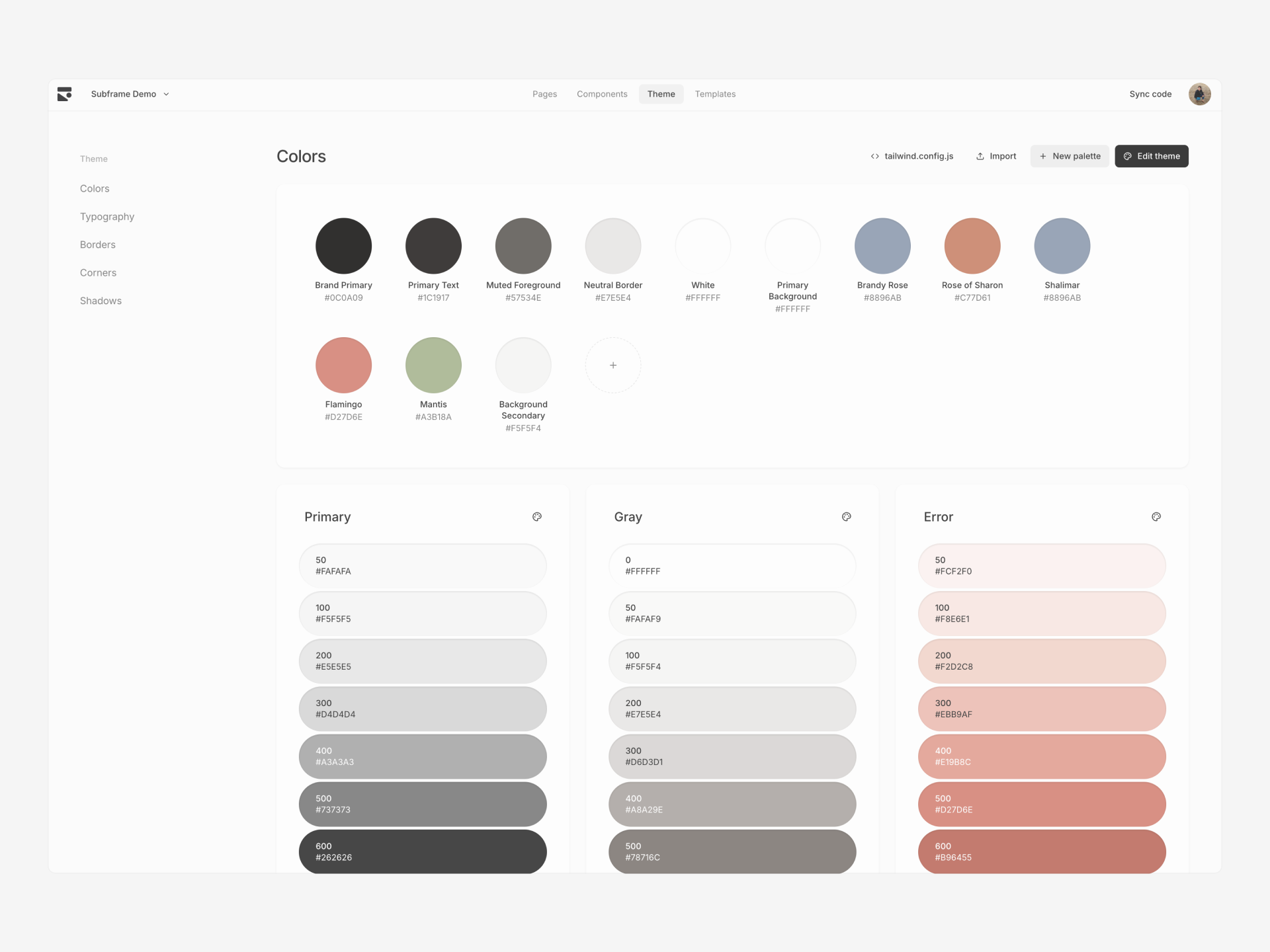
Design tokens for colors, typography, shadows, and borders used by components and pages. Syncs to code as a Tailwind configuration.Ask AI
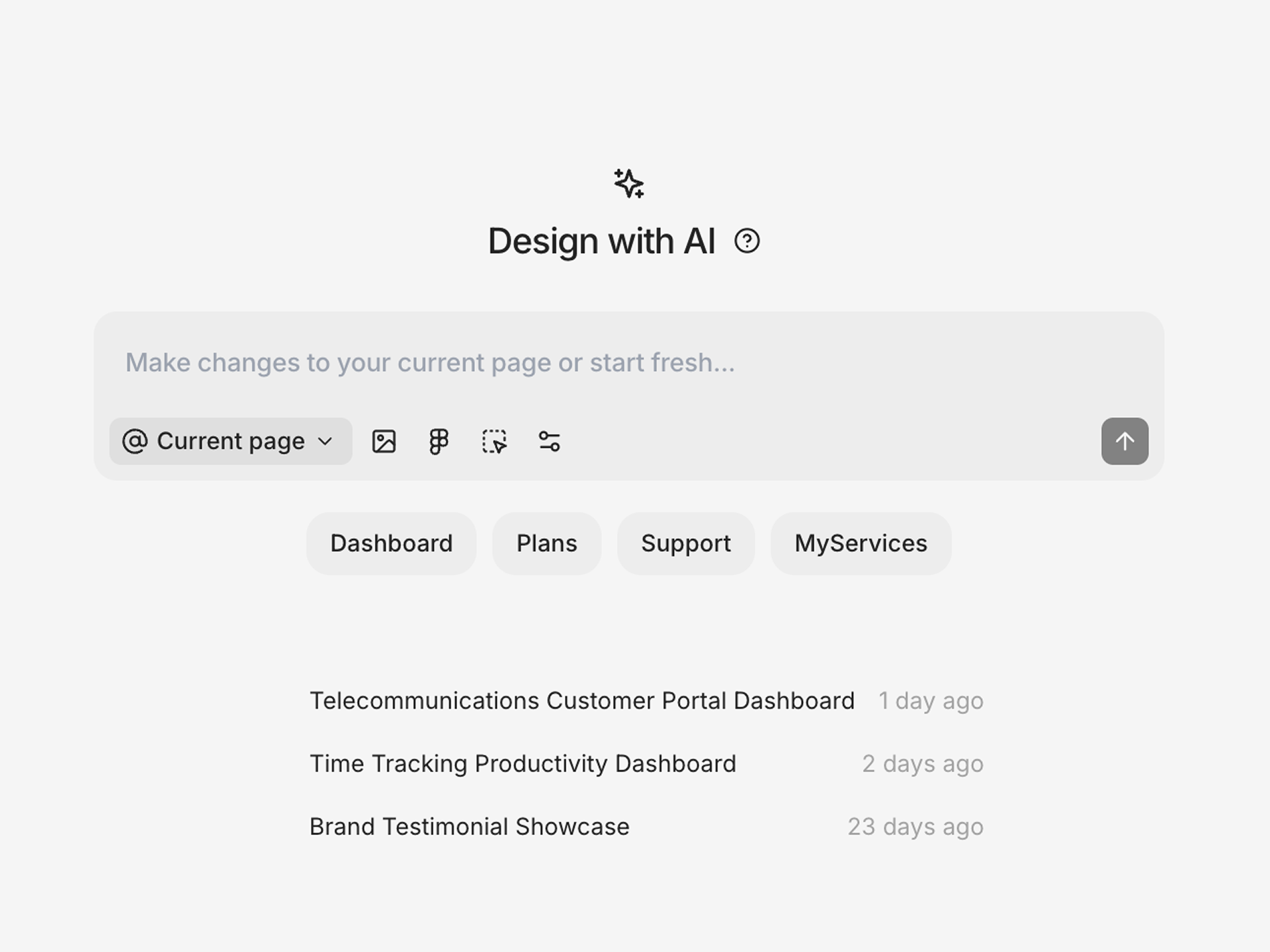
Generate designs from prompt or image using your design system. Use inline AI to make direct edits or Ask AI to design variation of pages.Prototypes
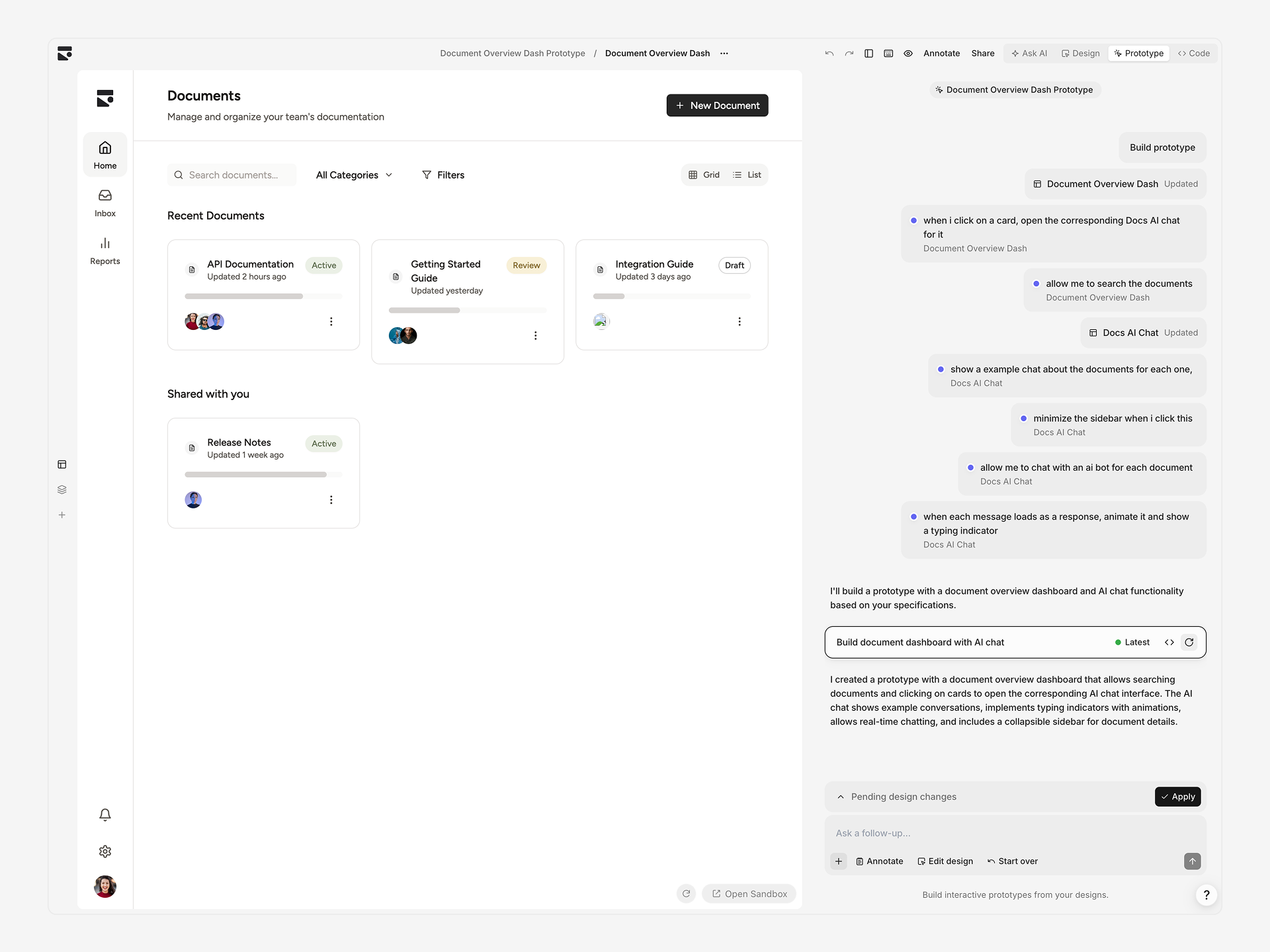
Build interactive web apps from your designs by annotating pages and chatting with AI to prompt functionality. Prototypes can be shared and downloaded as code.CLI
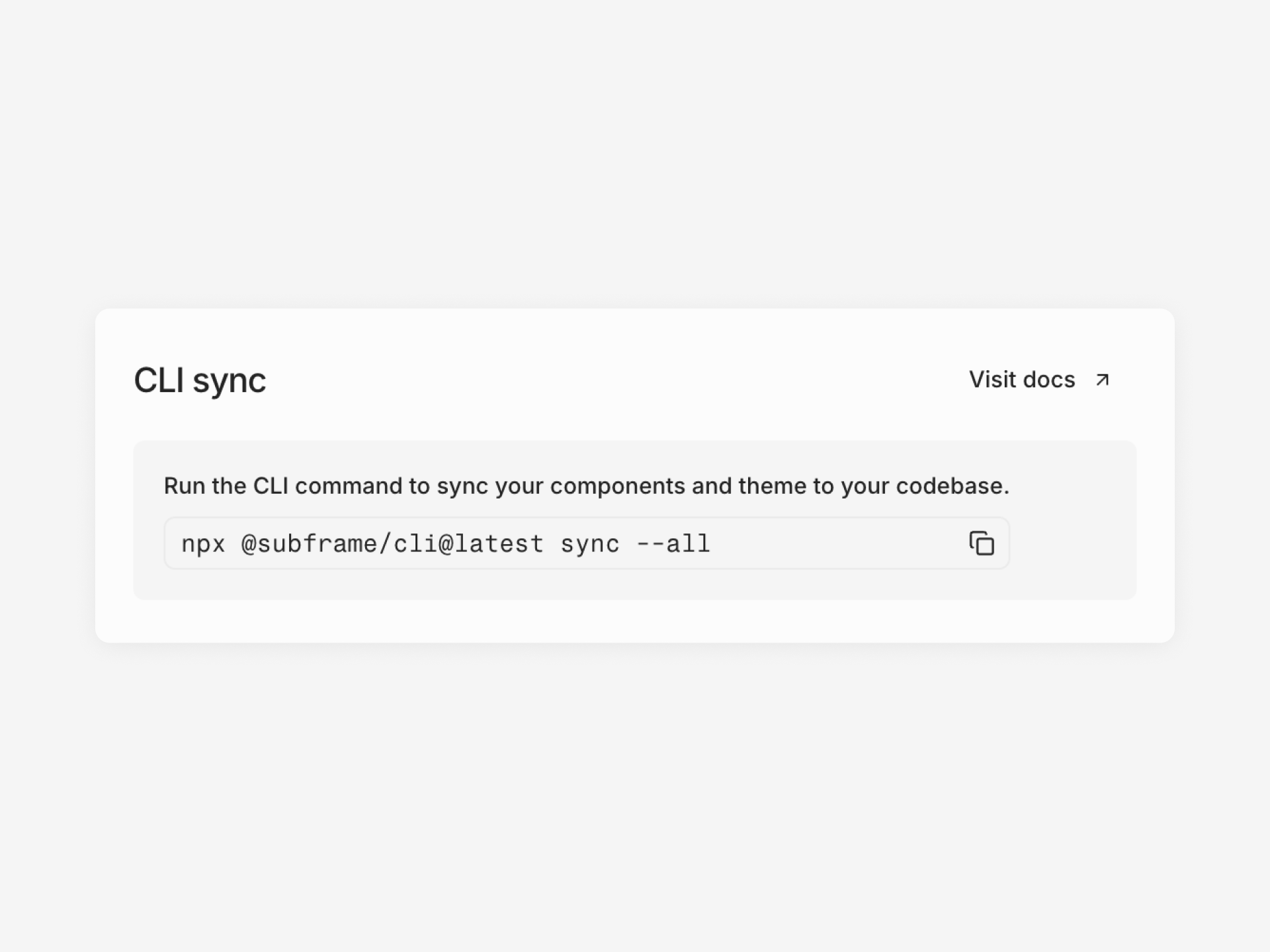
Use init and sync terminal commands to install and add components from Subframe to your codebase. All code lives locally for further development.MCP server
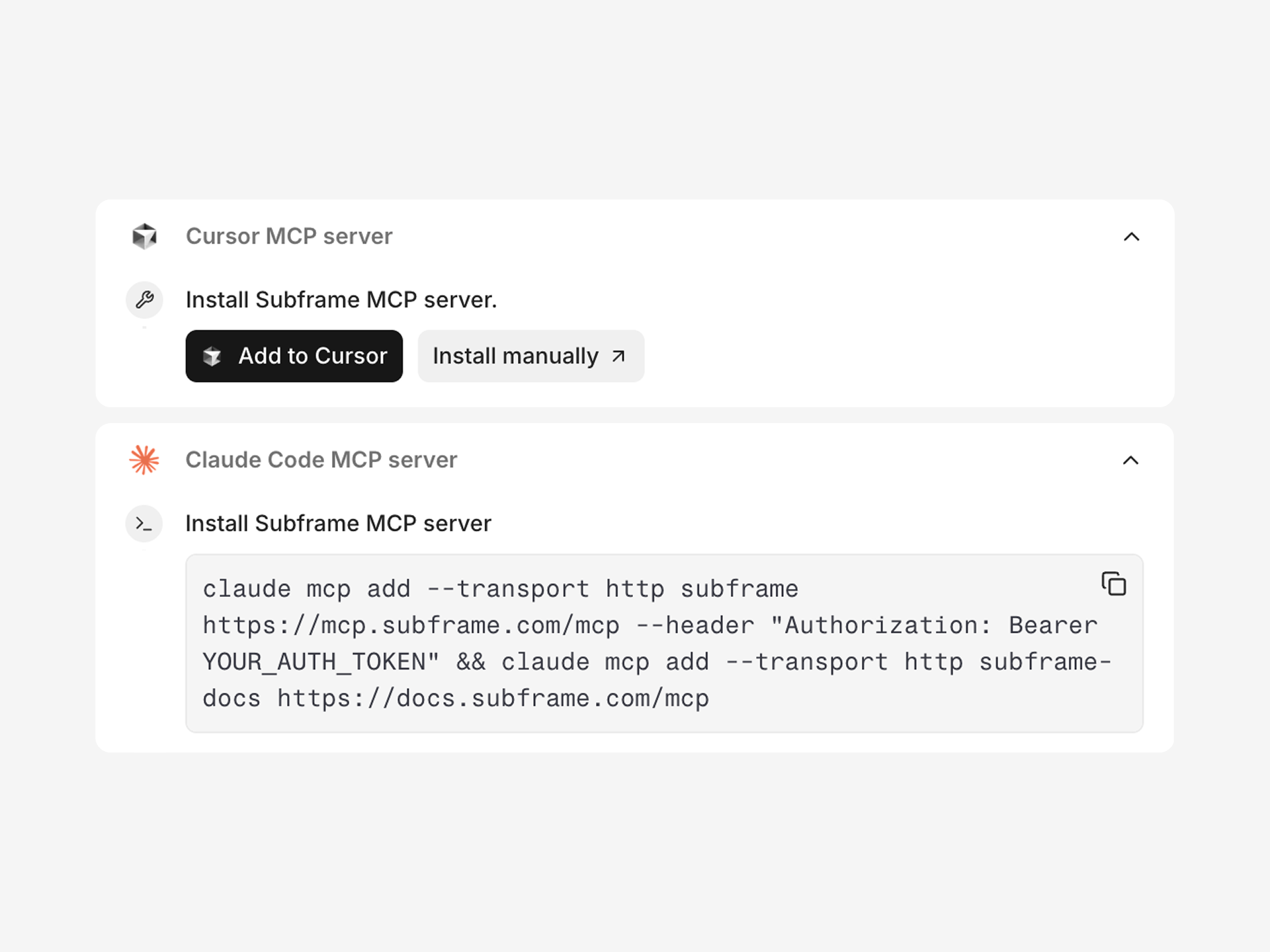
Connect AI coding tools like Claude Code and Cursor to fetch context and code from your Subframe project’s components and pages.