> ## Documentation Index
> Fetch the complete documentation index at: https://docs.subframe.com/llms.txt
> Use this file to discover all available pages before exploring further.
# Working with AI agents
> Walk through the full design-to-code workflow using Subframe with AI coding assistants.
This guide walks through the full design-to-code workflow with Subframe and an AI coding assistant. The demo uses Claude Code, but the same workflow applies to any MCP-compatible AI assistant.
## Getting started
Install the Subframe MCP server and agent skills for your AI assistant. See [Agent skills](/guides/skills) for setup instructions.
This guide uses Claude Code as the example, but the workflow works with any MCP-compatible AI assistant including
Cursor and Codex.
## Design with AI
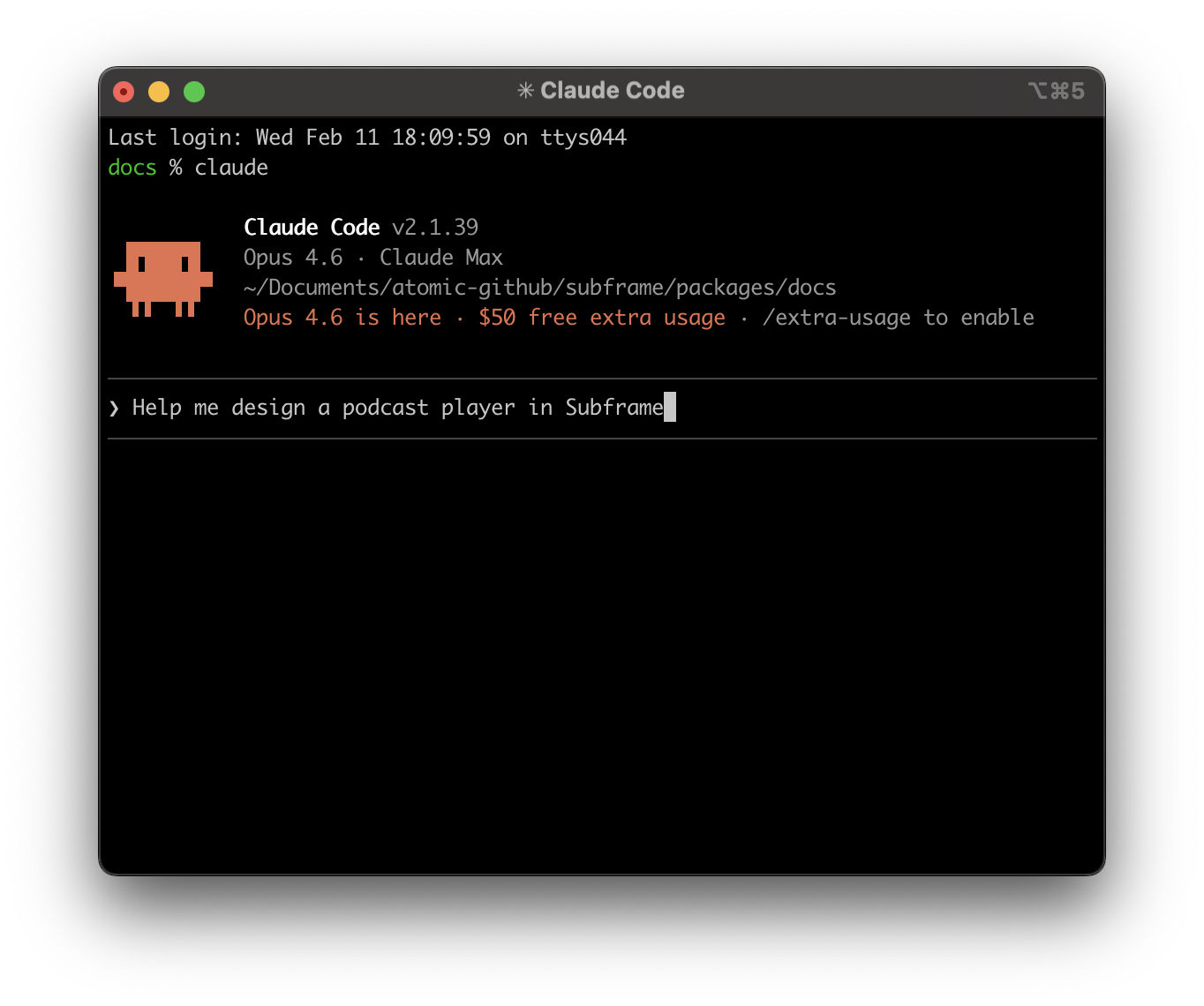 You can ask your AI agent to design a page at any stage — during planning, mid-implementation, or as a standalone task. The agent uses the `design_page` tool to generate design variations in Subframe.
After kicking off a design, Subframe returns a flow URL. Open it to watch each variation appear as a page on the flow canvas as it finishes generating.
## Review design variations
The flow canvas is your review surface — variations sit side-by-side as real pages in your project. From here you can:
* **Click a page** to open it in the editor and refine visually
* **Use Ask AI** on any page to iterate further
* **Delete** the variations you don't want
## Combine variations
There are two ways to mix and match elements from different variations:
* **Ask your AI agent** — your agent has access to all variations. Ask it to combine elements from different ones, for example "use the header from variation 1 with the layout from variation 3."
* **Edit in Subframe** — open any variation page from the canvas, then use [Ask AI](/learn/ask-ai) to incorporate elements from other variations.
## Edit in the Subframe editor
Click any page on the flow canvas to enter the full design editor. From there you can:
* Chat for edits in [Ask AI](/learn/ask-ai) mode
* Drag-and-drop in [Design mode](/learn/design-mode)
## Using designs with your AI agent
To hand the design to your AI agent, copy the MCP link and reference it in your prompt.
You can get the MCP link for any design by either:
* Copying the link from the browser address bar
* Copying the link under **Code** > **Inspect** in Subframe
You can ask your AI agent to design a page at any stage — during planning, mid-implementation, or as a standalone task. The agent uses the `design_page` tool to generate design variations in Subframe.
After kicking off a design, Subframe returns a flow URL. Open it to watch each variation appear as a page on the flow canvas as it finishes generating.
## Review design variations
The flow canvas is your review surface — variations sit side-by-side as real pages in your project. From here you can:
* **Click a page** to open it in the editor and refine visually
* **Use Ask AI** on any page to iterate further
* **Delete** the variations you don't want
## Combine variations
There are two ways to mix and match elements from different variations:
* **Ask your AI agent** — your agent has access to all variations. Ask it to combine elements from different ones, for example "use the header from variation 1 with the layout from variation 3."
* **Edit in Subframe** — open any variation page from the canvas, then use [Ask AI](/learn/ask-ai) to incorporate elements from other variations.
## Edit in the Subframe editor
Click any page on the flow canvas to enter the full design editor. From there you can:
* Chat for edits in [Ask AI](/learn/ask-ai) mode
* Drag-and-drop in [Design mode](/learn/design-mode)
## Using designs with your AI agent
To hand the design to your AI agent, copy the MCP link and reference it in your prompt.
You can get the MCP link for any design by either:
* Copying the link from the browser address bar
* Copying the link under **Code** > **Inspect** in Subframe
 ## How AI agents implement your designs
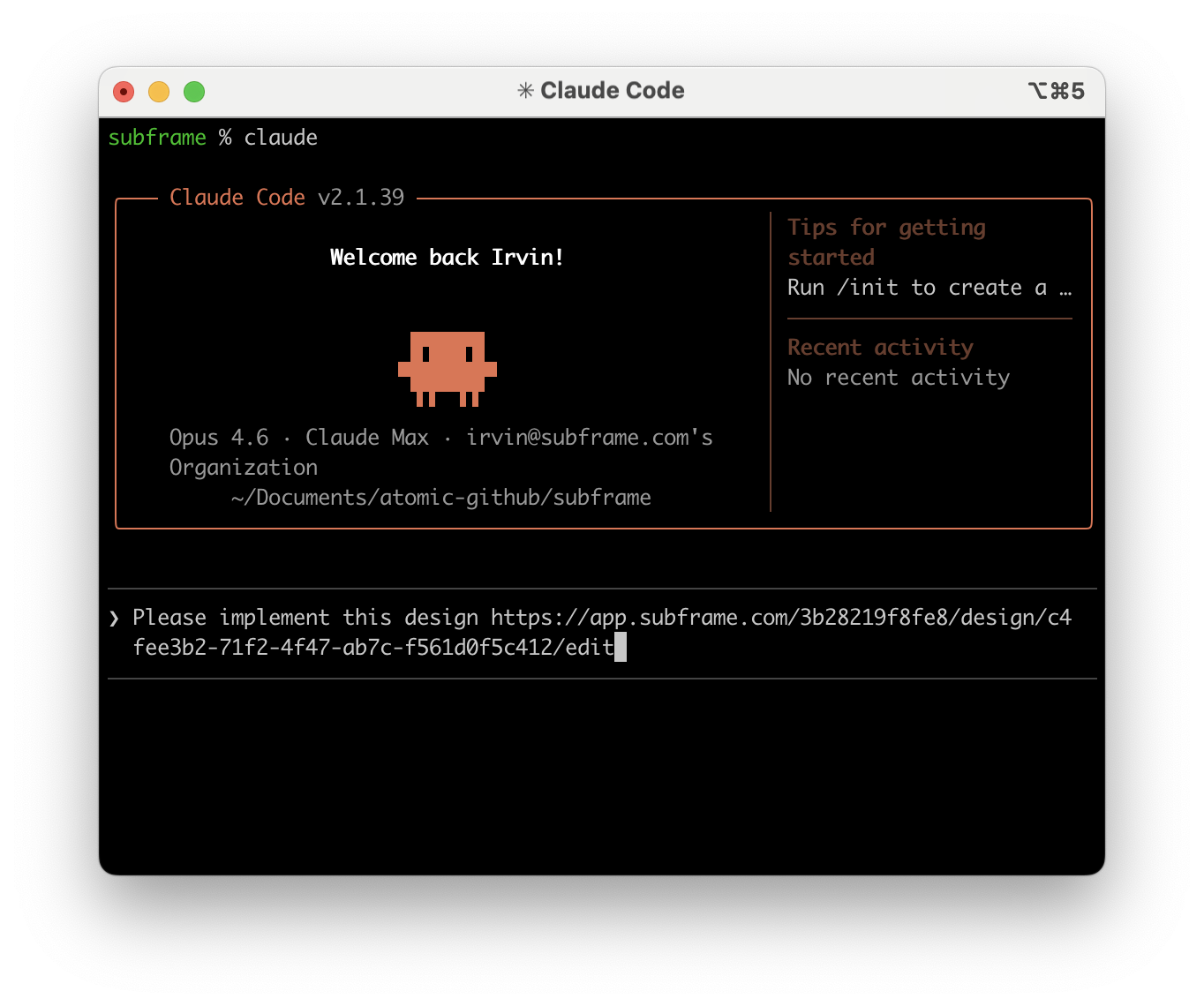 Implementation varies depending on your setup. If you're evaluating Subframe for the first time, we recommend starting with a blank project.
Your AI agent creates a new project, installs Subframe with `/subframe:install`, then implements your designs. This is the fastest path to see the full workflow end-to-end.
1. Ask your AI agent to scaffold a new project
2. Run `/subframe:install` to install Subframe
3. Share the MCP link and ask the agent to implement the design
If your project already has Subframe configured, your AI agent can start developing immediately using your synced components.
1. Share the MCP link with your AI agent
2. Ask the agent to implement the design using your existing components
Your AI agent will ask whether to:
* **Use Subframe's theme and components** for pixel-perfect implementation matching the design
* **Use the design as inspiration** and map to your existing UI framework
Choose the approach that fits your project.
Implementation varies depending on your setup. If you're evaluating Subframe for the first time, we recommend starting with a blank project.
Your AI agent creates a new project, installs Subframe with `/subframe:install`, then implements your designs. This is the fastest path to see the full workflow end-to-end.
1. Ask your AI agent to scaffold a new project
2. Run `/subframe:install` to install Subframe
3. Share the MCP link and ask the agent to implement the design
If your project already has Subframe configured, your AI agent can start developing immediately using your synced components.
1. Share the MCP link with your AI agent
2. Ask the agent to implement the design using your existing components
Your AI agent will ask whether to:
* **Use Subframe's theme and components** for pixel-perfect implementation matching the design
* **Use the design as inspiration** and map to your existing UI framework
Choose the approach that fits your project.